PHISHSNIPER / PRODUCT & SECURITY AWARENESS
PhishSniper
I built PhishSniper’s website, training experience and free tools to help people recognise suspicious messages and decide what to check.
Start with the task
Someone checking a suspicious link needs a different tool from someone setting up a domain’s email. I wanted the site to make those choices easy to find, with practical training alongside them.
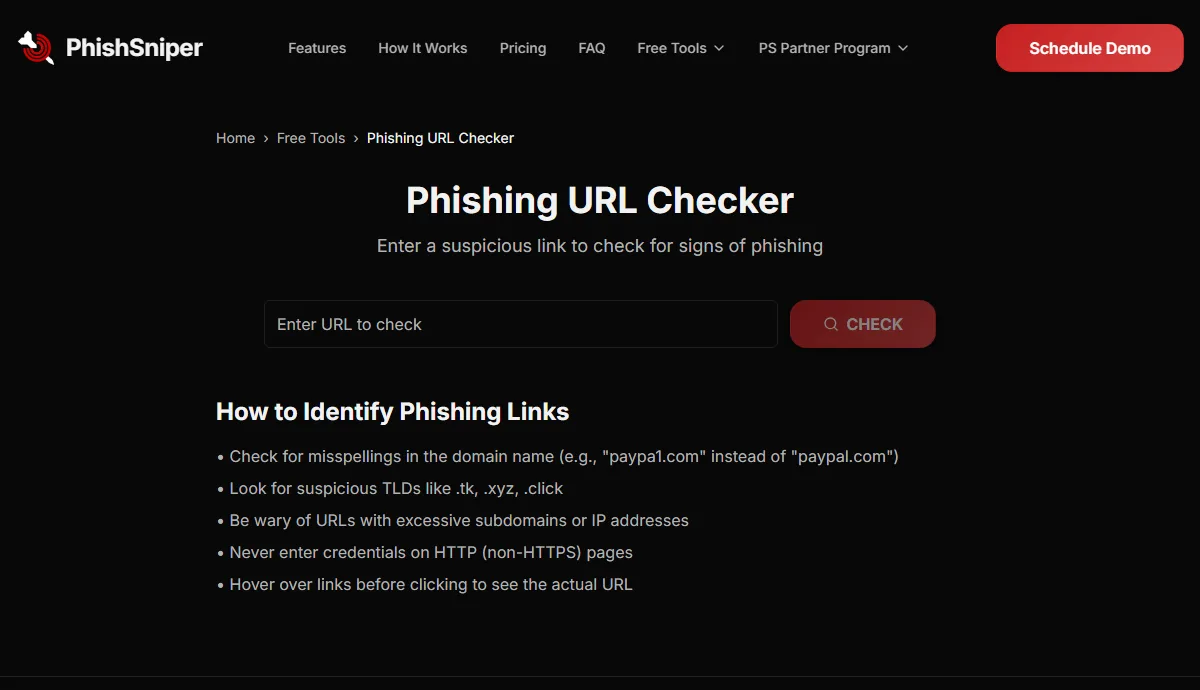
A URL check and an SPF lookup answer different questions, so each has its own page and explanation.
I worked on the site, training and tools from the first priorities through design, demos and releases. You can explore the public pages below.
What this version does
The site includes phishing-awareness material, training and eight free tools: email breach, phishing URL, SPF, DKIM, DMARC, TXT, MX and AAAA checks.
A link check cannot guarantee safety. Email and DNS lookups answer specific configuration questions, so a clean result alone cannot tell you whether a message or organisation is trustworthy. Anything entered into a tool is handled by PhishSniper under its own policies.
The decision
I gave each tool a specific question to answer: check this link, look up this email record, or check this address against known breaches. The explanation belongs beside the result, where someone can use it.
All eight tools are listed separately in the project index, with a short description of what each one checks.
Try it
- Open the public URL checker and read the guidance alongside the input.
- Visit the SPF, DKIM and DMARC pages. Compare the distinct email-security question each asks.
- Open the project index to find the other checks, or visit the main site to see the training material.
IN PRACTICE
Uses and technology.
Where it can help
- Start with a suspicious link and read the checker’s guidance.
- Inspect a domain’s SPF, DKIM or DMARC configuration.
- Find a specific DNS or breach check from the eight-tool index.
The tools
- Public web tools
- URL, known-breach, email-authentication and DNS check interfaces.