GLASSBRIDGE / ANDROID · RAY-BAN META COMPANION
Glassbridge
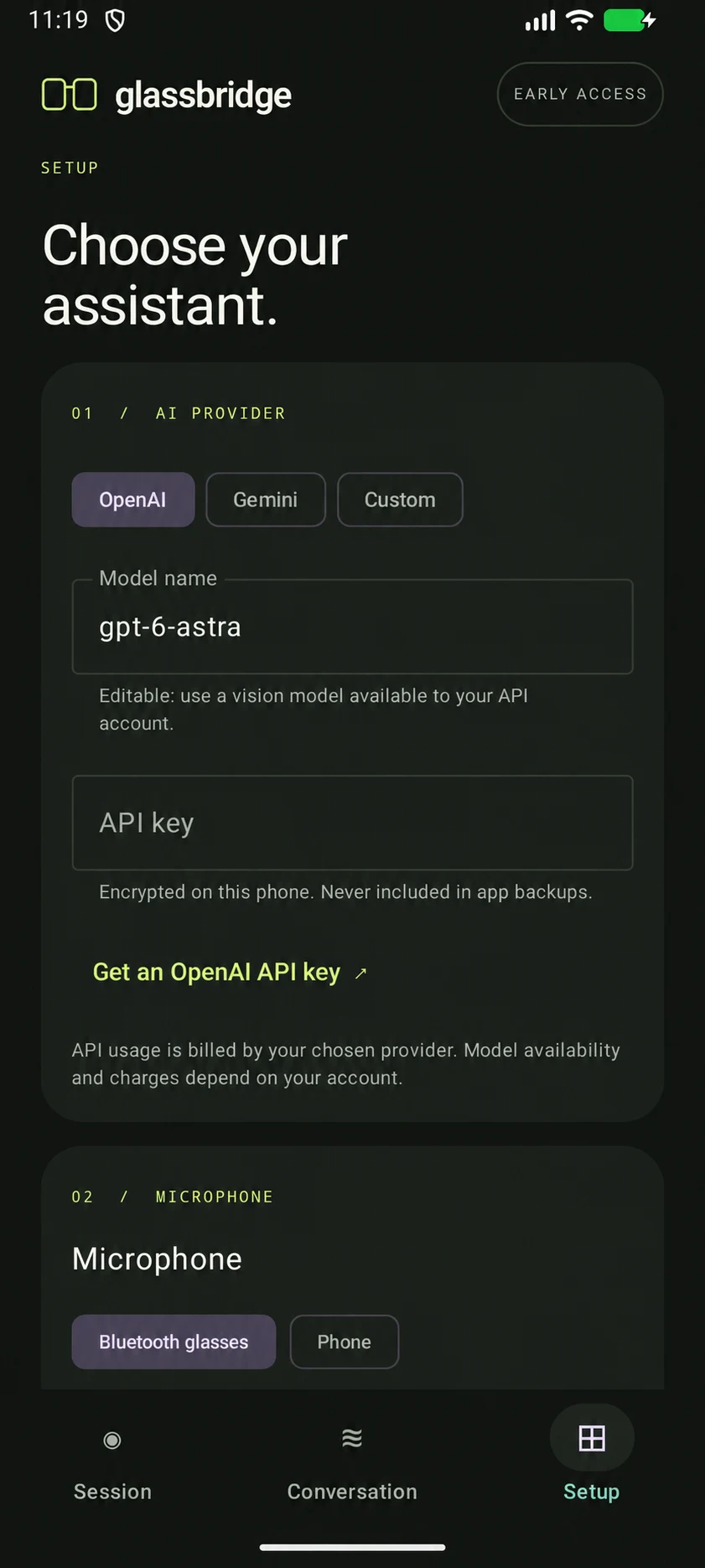
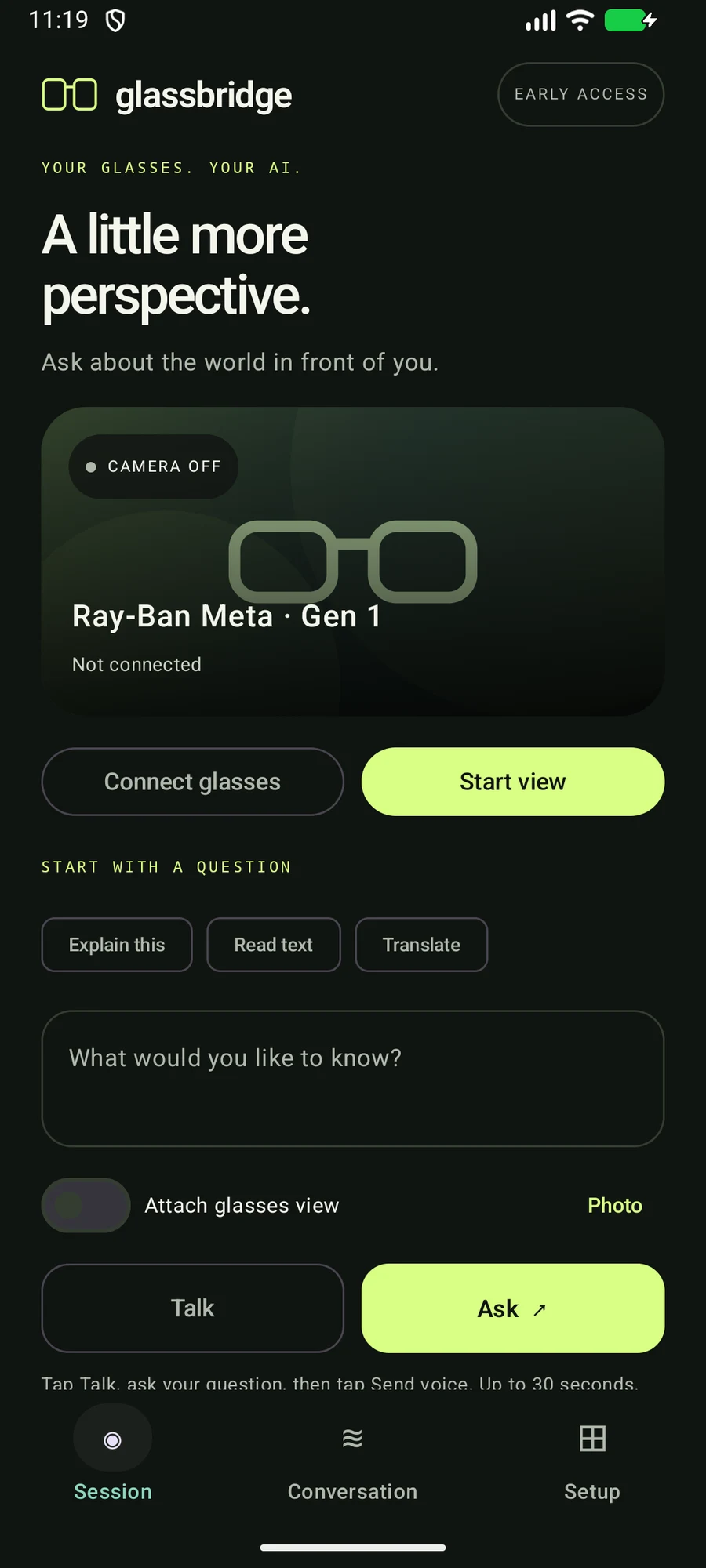
An Android companion interface for asking a question about a photo and hearing the reply from a chosen AI provider. Built with Kotlin, Jetpack Compose, Meta Wearables SDK and Android text-to-speech.
Why I built it
A glasses assistant needs a clear capture boundary: a fresh image, a directed question and a way to stop or clear the session. That is different from reusing an old preview or letting a background interaction appear to continue.
What it does
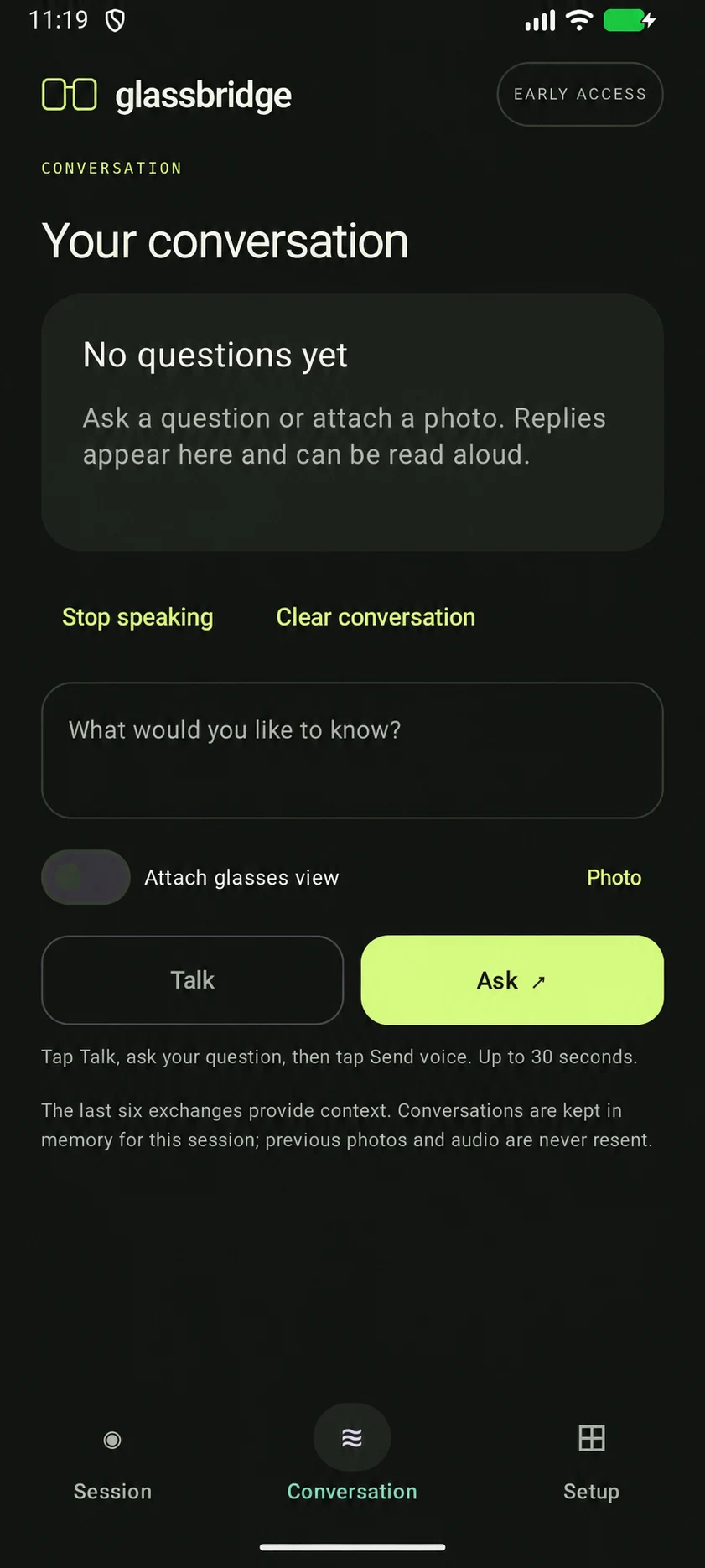
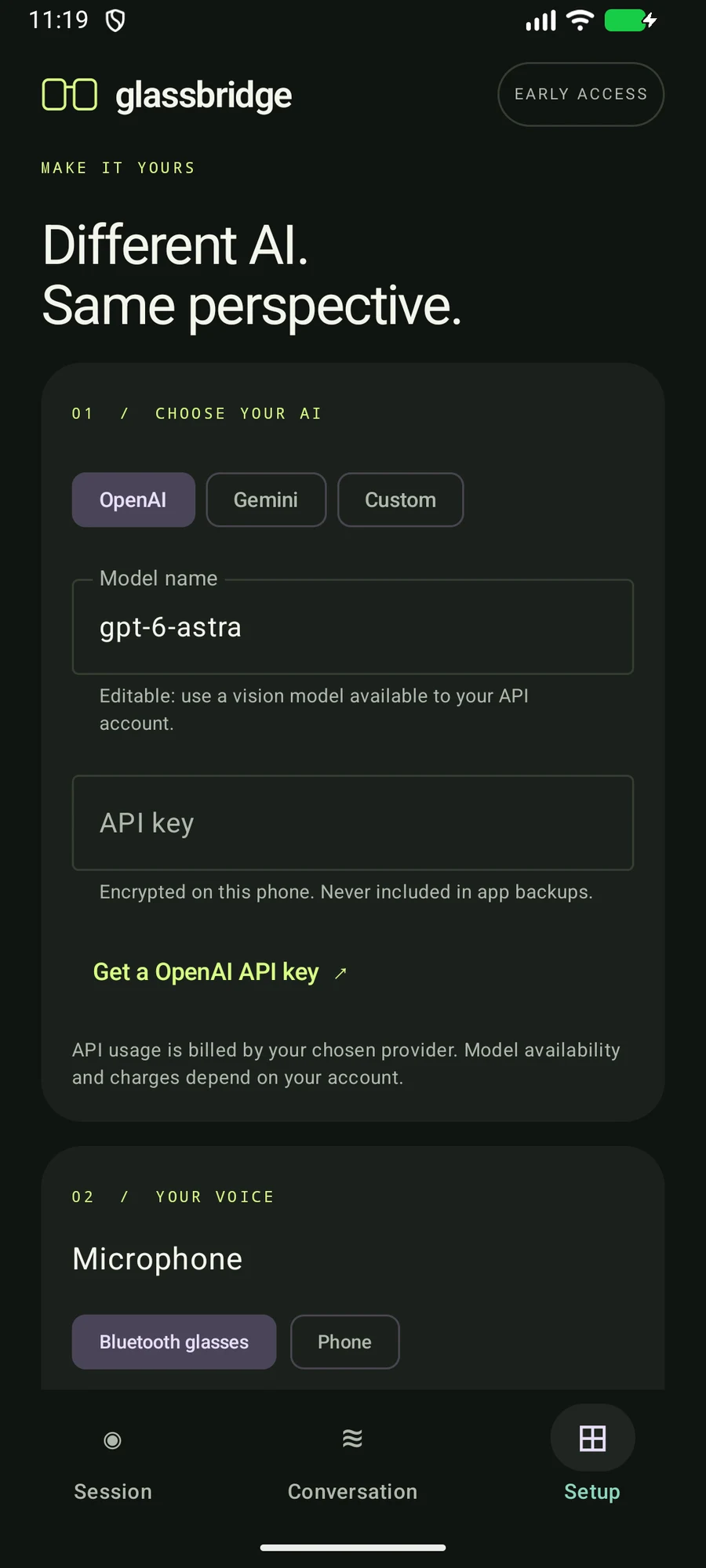
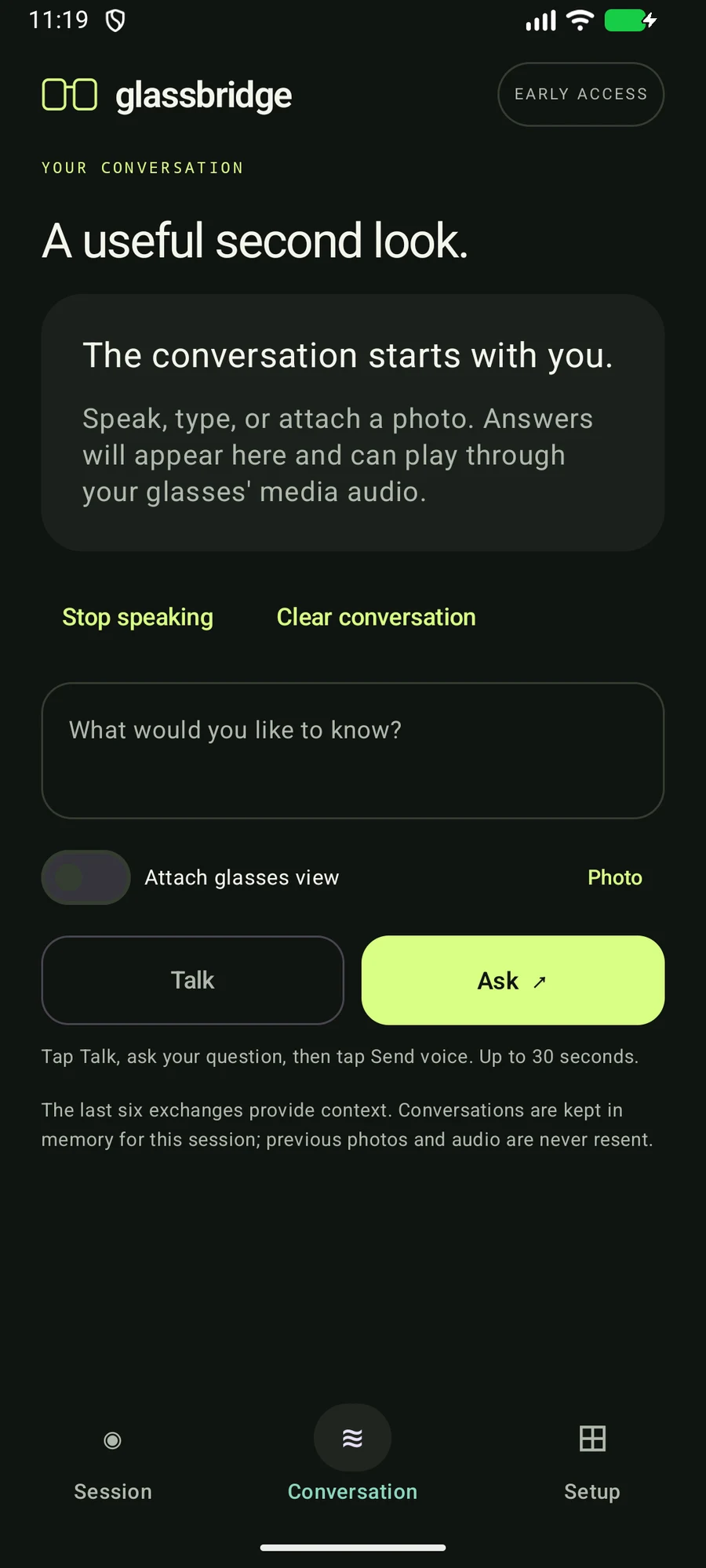
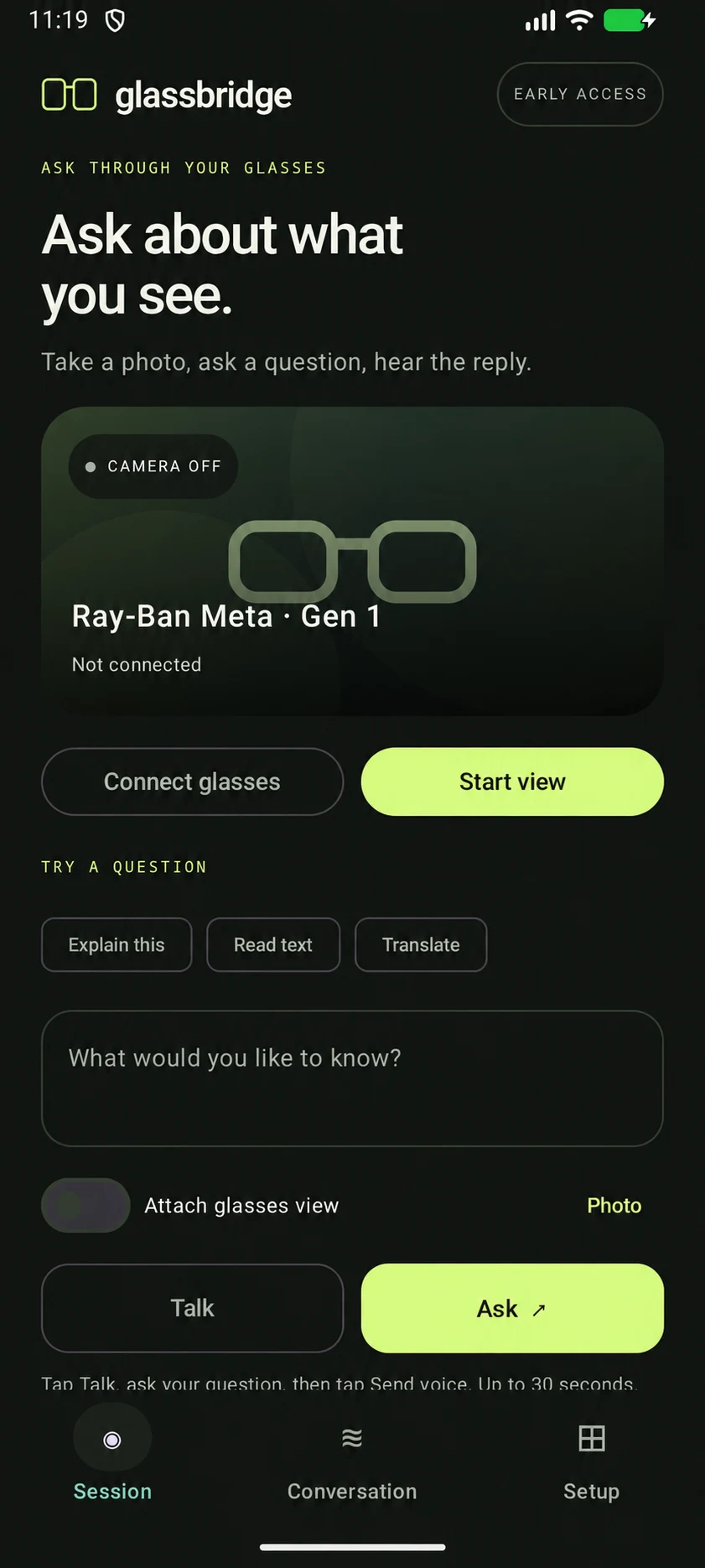
Glassbridge brings voice input, fresh photos, spoken replies and conversation controls into one Android flow. It can be configured for OpenAI, Gemini or a compatible provider.
How I approached it
I designed the flow around one question and one fresh photo, followed by a spoken reply. Cancel and clear controls stay close by.
A fresh question needs a fresh image.
If capture fails, the flow must not quietly reuse an old preview. That would give the assistant the wrong scene while making the interaction appear successful.
Make starting and stopping deliberate.
Push-to-talk starts the interaction. Cancel and leaving the foreground stop media work. These controls matter because a camera on glasses is different from an ordinary text box.
Clear the old key when the provider address changes.
Changing a custom endpoint clears the existing API key. Sending is explicit and billable requests are not automatically retried.
IN PRACTICE
Uses and technology.
Where it can help
- Ask a directed question about a freshly captured scene.
- Choose a supported provider or a compatible custom endpoint.
- Use phone dictation or a selected photo when the intended capture path is unavailable.
Built with
 Kotlin
 Jetpack Compose
 Meta Wearables SDK
- Android TTS
- Kotlin / Compose
- Native Android interface and session controls.
- Meta Wearables DAT
- Official glasses integration path.
- Android audio / TTS
- Voice input, dictation fallback and spoken replies.
- Keystore / AES-GCM
- Encrypted provider settings on the phone.
- HTTPS providers
- OpenAI, Gemini and compatible custom endpoints.